

ब्रांड
HAQQ's logos, colours, typefaces and finished assets, with the rules for using them. Everything on this page is cleared for press, partner and agency use.
Logos
Four approved marks. The full lockup is the default; the others exist for the places it does not fit. Keep clear space around every mark, never recolour or distort one, and reach for the reverse mark on dark or gradient backgrounds rather than dropping the primary onto a dark card.

Wordmark
Type only: nav bars, footers, documents
Icon mark
Favicon, app icon, avatar
| Mark | Use it for | File |
|---|---|---|
| Primary mark | Full lockup (icon, wordmark and tagline) on light surfaces. The default choice everywhere. | Download |
| Reverse mark | The same full lockup in white, for dark surfaces and the gradient only. Never on light. | Download |
| Wordmark | “HAQQ” type only, no icon, for tight horizontal spaces: nav bars, footers, documents. | On request |
| Icon mark | The pillar-and-tie glyph only: favicon, app icon, avatar, and other tight square slots. | On request |
Colour
Two colours carry the brand. Wine is the primary and does the work; navy is its partner and the second voice in a chart or a diagram. Each is shown as a full range so a layout has somewhere to go without leaving the palette.
Wine
The primary. #66023C is HAQQ wine and the value to use when only one is needed.
Navy
The partner. #002C6C is HAQQ navy: the gradient's second colour, and the second series in any chart.
The gradient
One gradient, wine into navy: linear-gradient(200deg, #66023C 18%, #002C6C 72%). Use it for a full-bleed band or a cover, always with the reverse mark on top. It is not a button treatment, not a text fill, and not a background for a logo lockup.
Typography
Two typefaces, both free from Google Fonts. Poppins sets everything in Latin script, headings and body, at four weights: regular, medium, semibold and bold. Cairo covers Arabic and every right-to-left layout, headings and body together. It is the same face the HAQQ products use, so the type does not change when a reader crosses from a press page into the product. Cairo carries Latin too, so a product name or a numeral inside an Arabic sentence stays in one face. There is no third family.
Poppins
The quick brown fox
Latin script, headings and body. Regular, medium, semibold, bold.
Cairo
الخط العربي
Arabic and right-to-left, headings and body. Same four weights.
Backgrounds and social assets
Finished files for the surfaces the marks do not cover: a video call, a LinkedIn profile. Every asset below ships at two sizes, because the size you want depends on what you are doing with it. Nothing here needs editing before use, and nothing here should be edited.
Team backgrounds
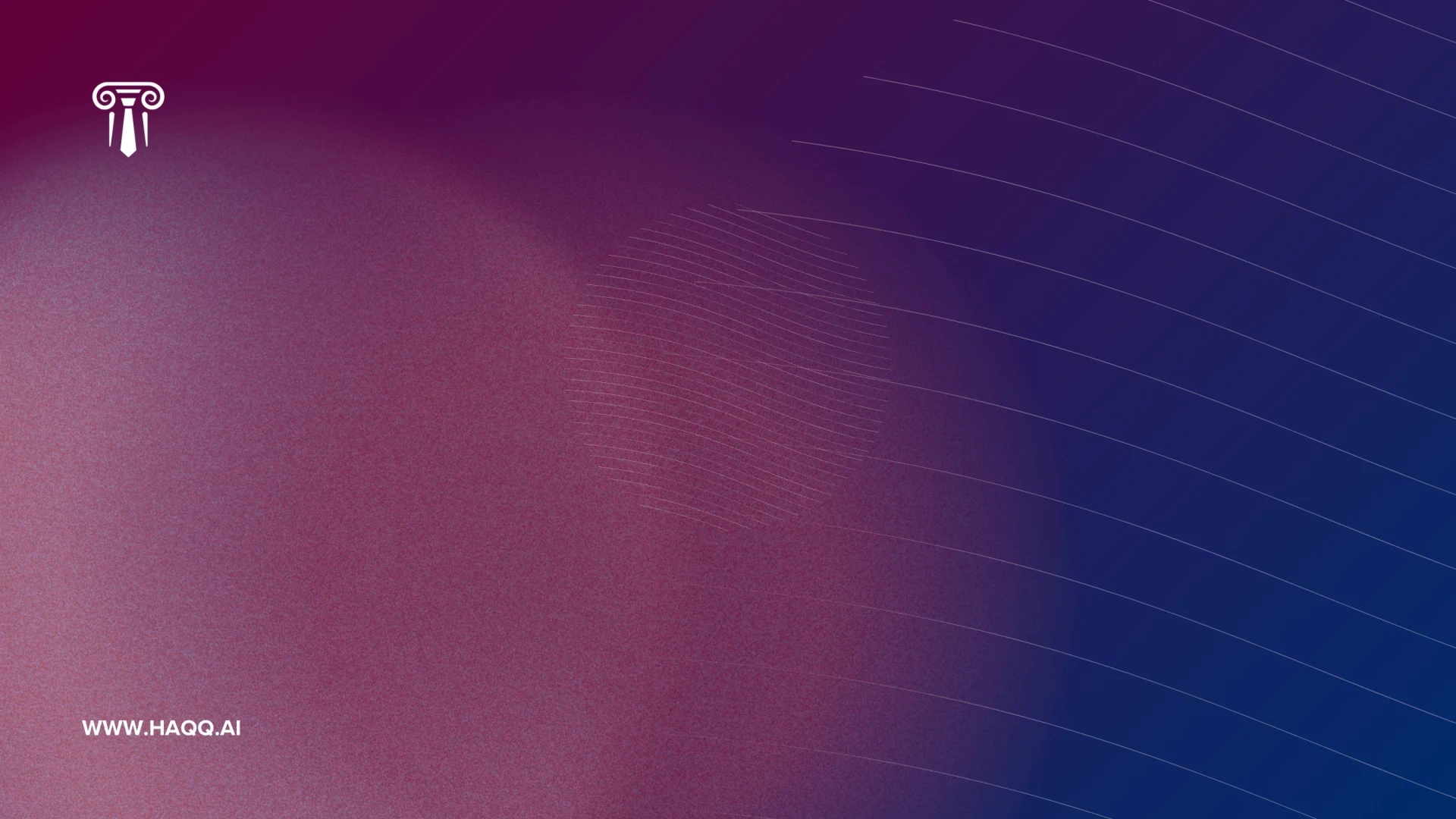
Two brand backgrounds for video calls, slide masters and anywhere a HAQQ surface needs to sit behind someone. Both carry the gradient and one mark, and both leave the centre clear so a face or a title sits on flat colour rather than on artwork. Take the 1920x1080 cut for a call: it is the resolution every conferencing app expects, so nothing is scaled or letterboxed on the way in. Take the full-resolution file when you need to crop it yourself.
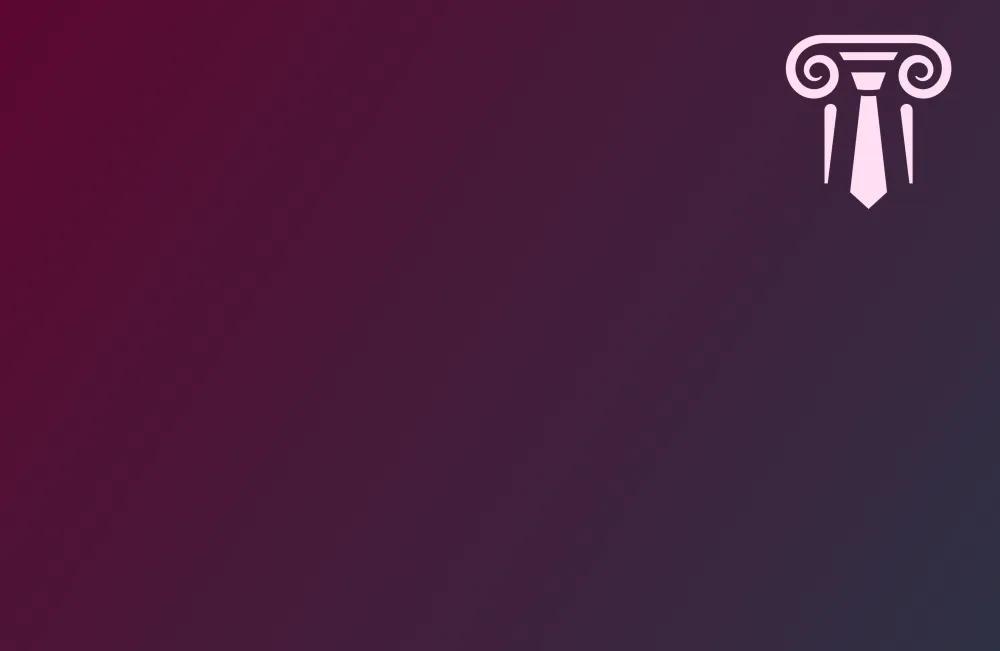
Mark background
3747 x 2436 · 1920 x 1080
The icon mark alone, upper right. The quieter of the two: use it when something else on screen is doing the talking.
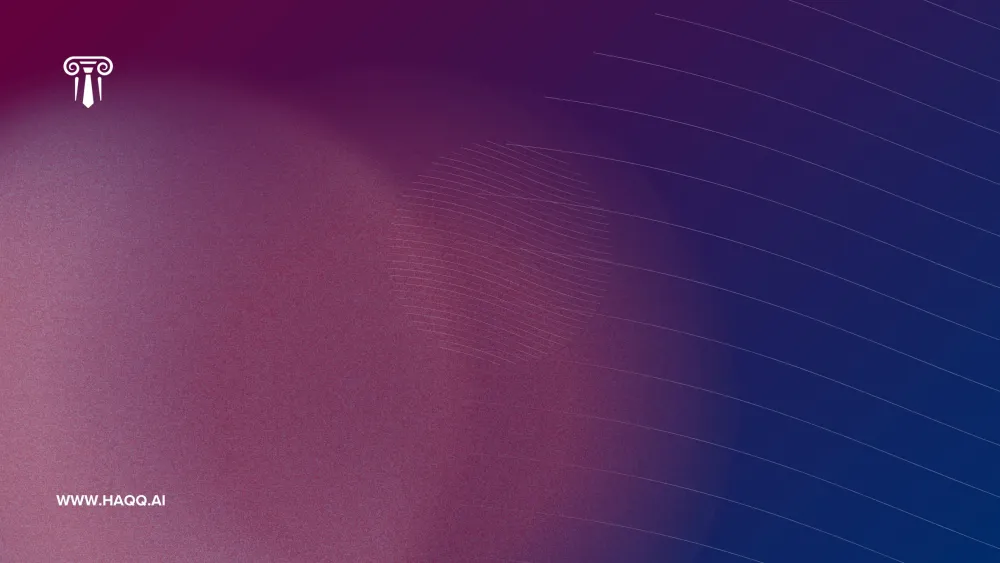
Line background
2640 x 1485 · 1920 x 1080
Full lockup upper left, the line motif across the centre right, and the site address along the bottom. The one to use when the background is the only branding on screen.


LinkedIn banners
Six covers, each cut for a personal profile and for the company page. Upload the 1584 x 396 file to a profile and the 1128 x 191 file to a company page; the 2x of each is there for a display that wants the extra pixels, and for anyone who needs to re-crop rather than re-make. LinkedIn crops a cover differently on mobile than on desktop and hides the lower left behind the profile photo, so every banner keeps its message clear of that corner.
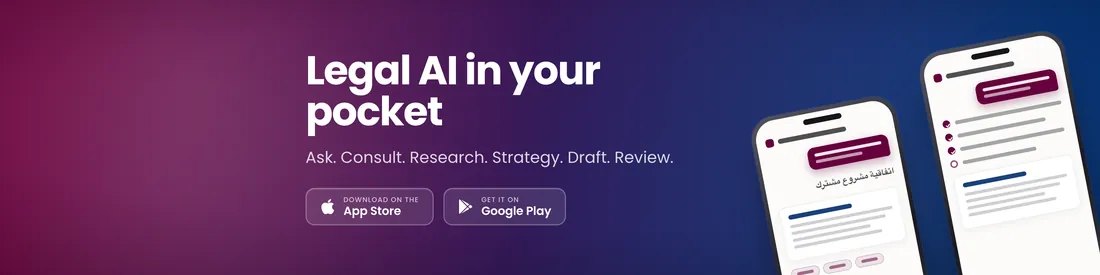
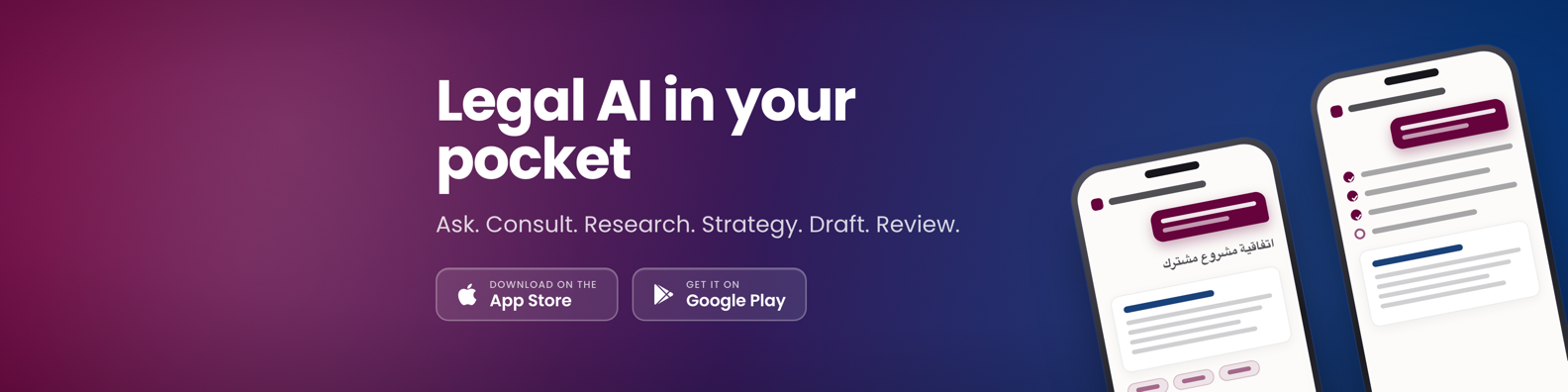
Legal AI in your pocket
1584 x 396 · 3168 x 792
The mobile app, with the App Store and Google Play badges. The default for anyone whose audience is likely to install it.
1584 x 396 · 2x
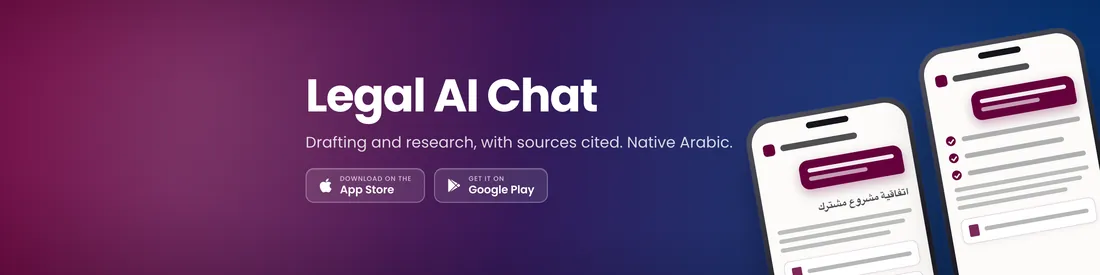
Legal AI Chat
1584 x 396 · 3168 x 792
The same artwork named for the product rather than the app: drafting and research, with sources cited, in Arabic as well as English.
1584 x 396 · 2x
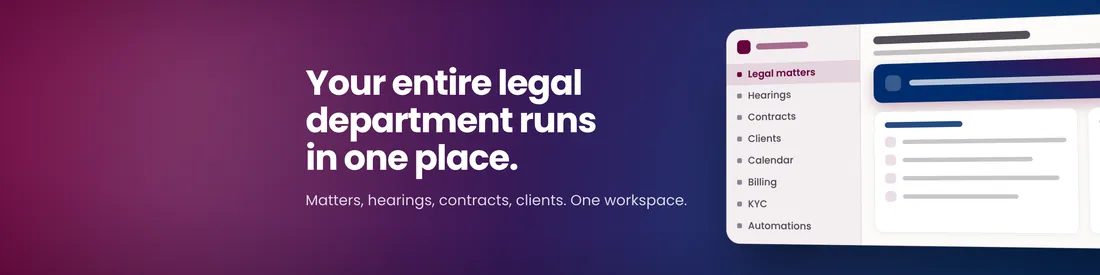
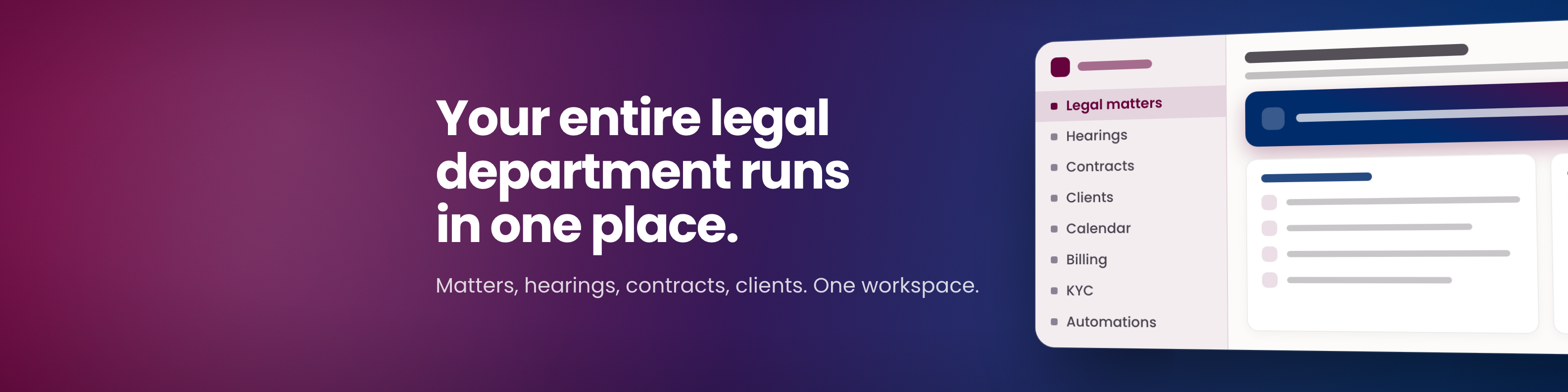
Your entire legal department runs in one place
1584 x 396 · 3168 x 792
Matters, hearings, contracts and clients in one workspace. For an in-house audience rather than a firm.
1584 x 396 · 2x
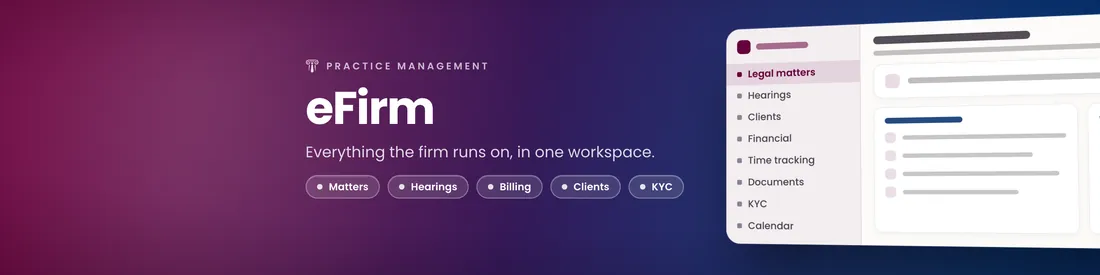
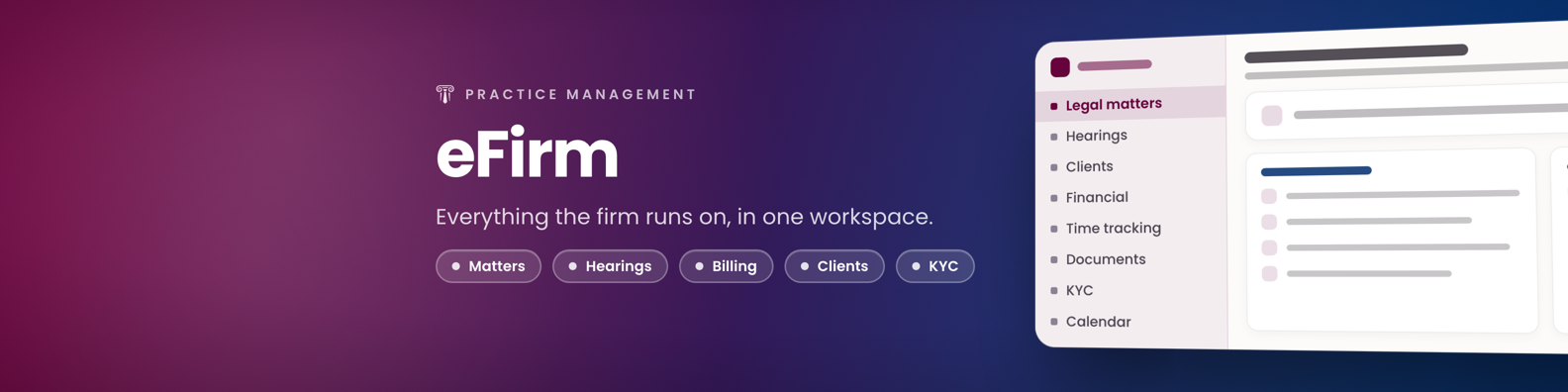
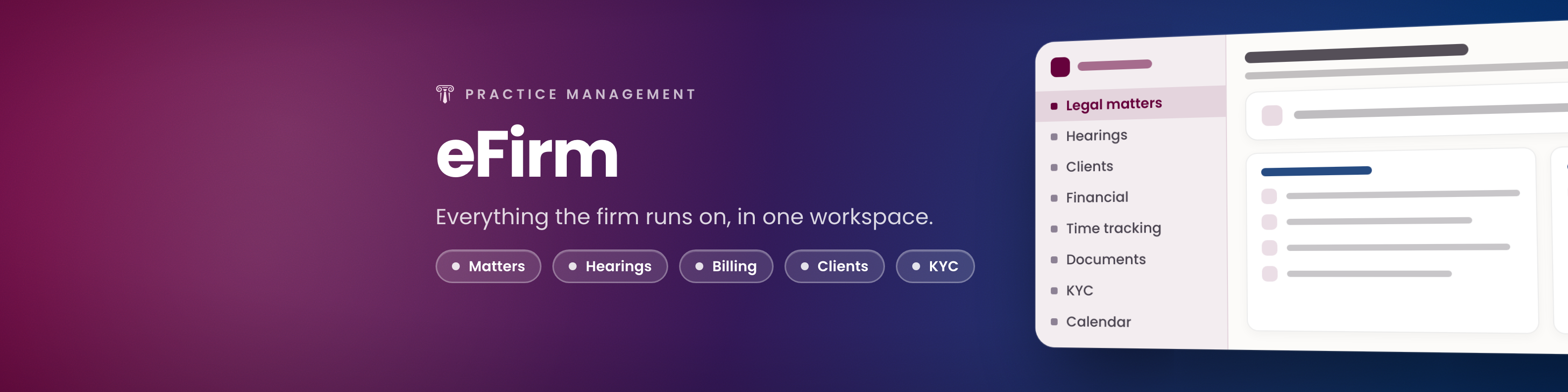
eFirm
1584 x 396 · 3168 x 792
Practice management, named. Reach for this one when the audience already knows what eFirm is.
1584 x 396 · 2x
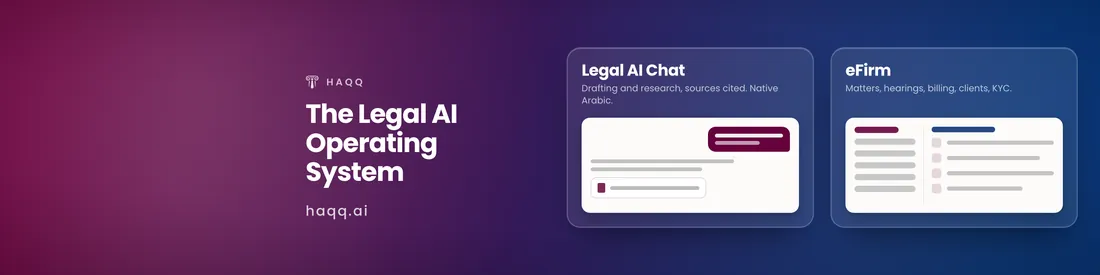
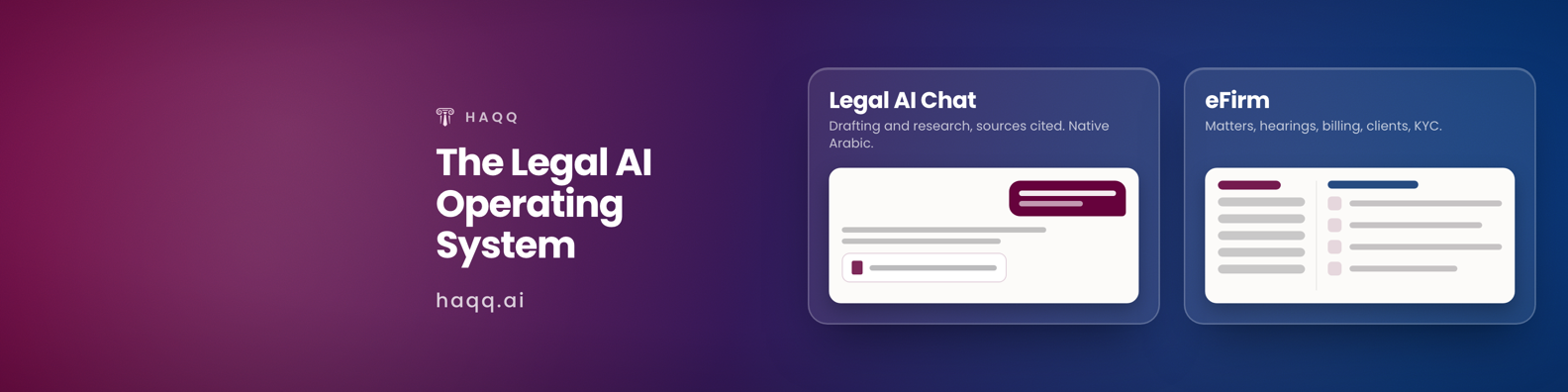
The Legal AI Operating System
1584 x 396 · 3168 x 792
Both products side by side, each with its own line. The widest of the six.
1584 x 396 · 2x
Digitizing Justice
1584 x 396 · 3168 x 792
The signature phrase over the gradient and the arch motif. No product, no claim: the one to use when the profile itself is the message.
1584 x 396 · 2x
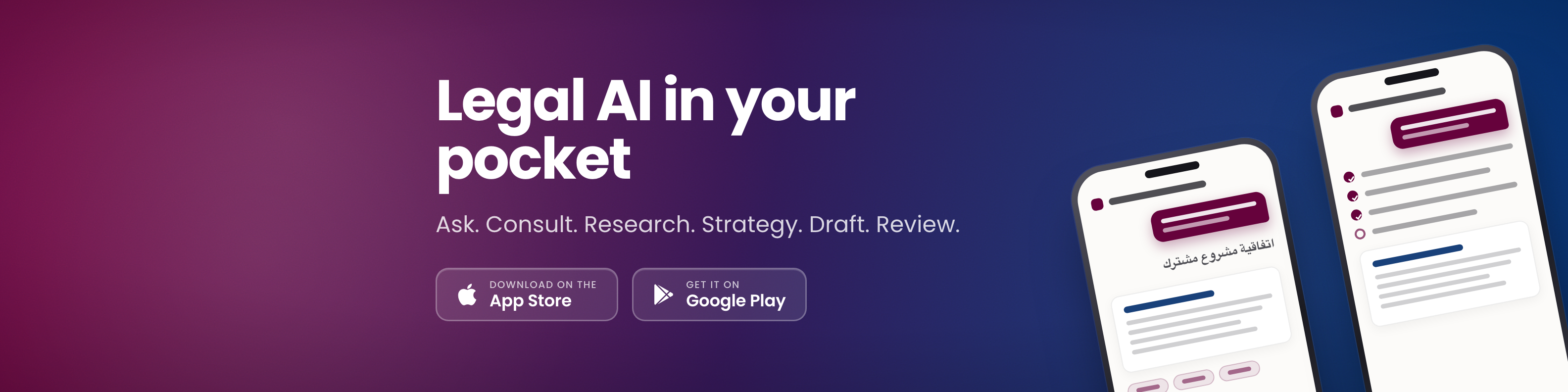
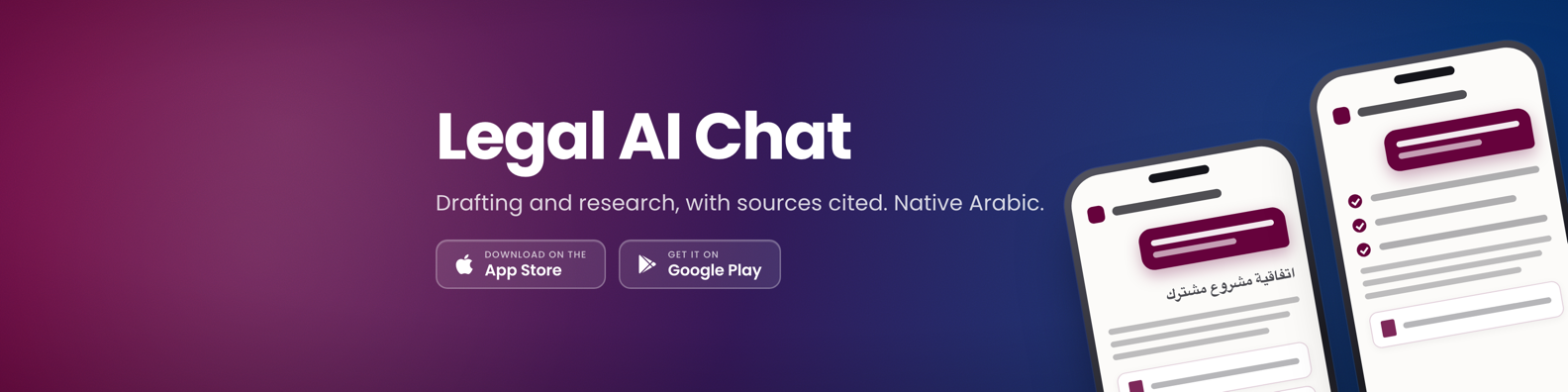
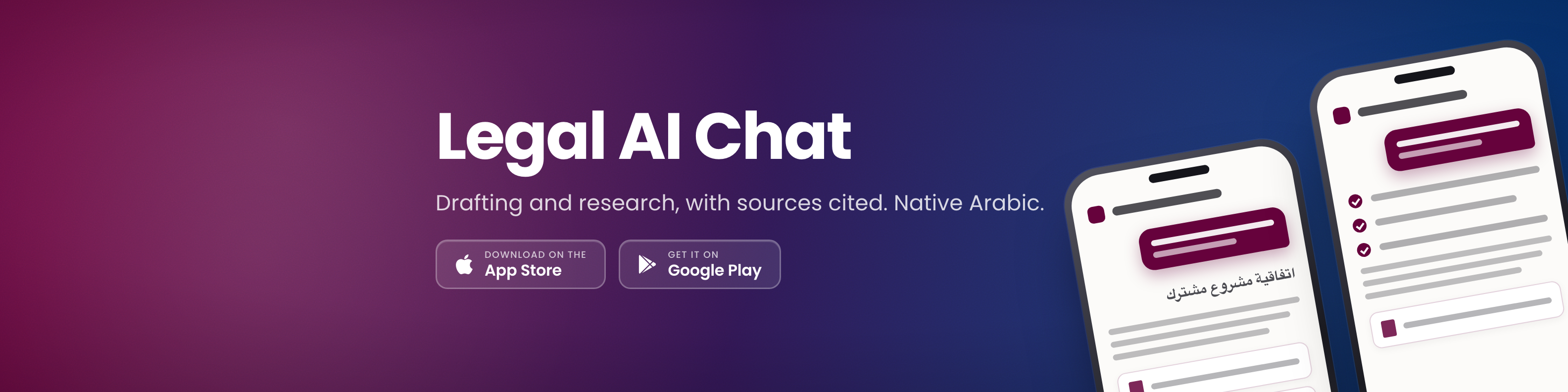
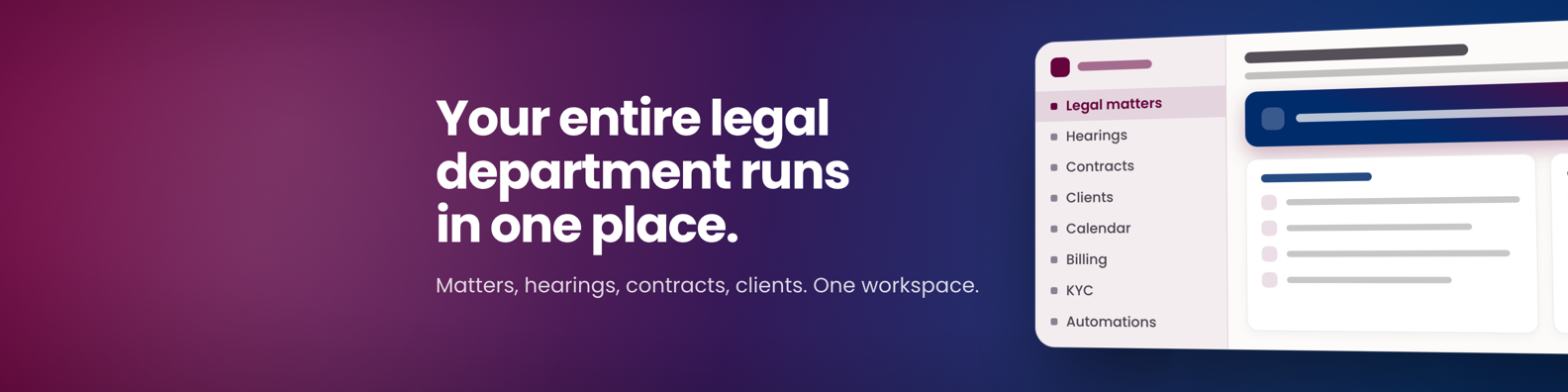
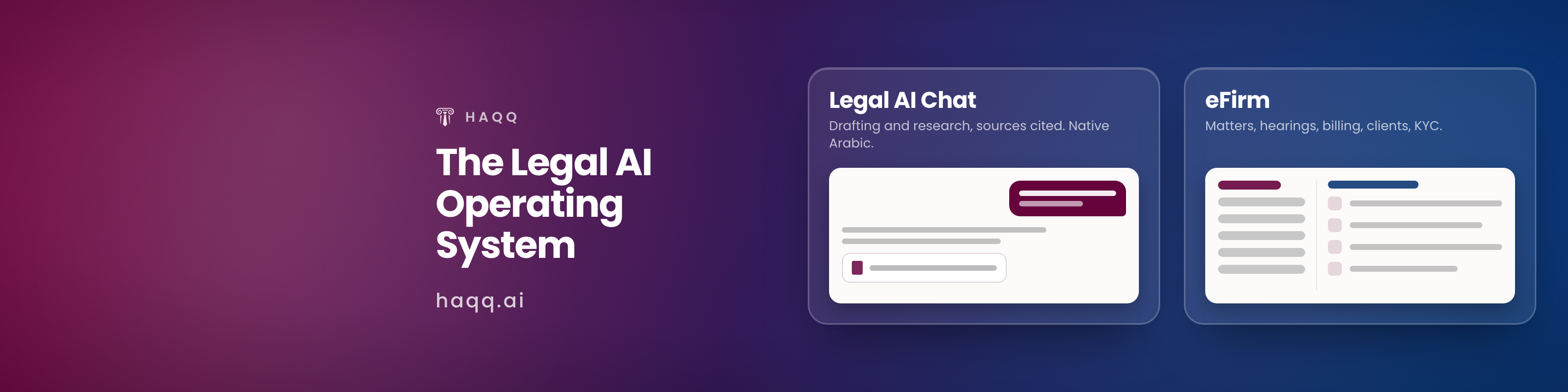
The same six re-cut for a company page banner, which is a shallower crop than a profile cover rather than the same picture scaled.
| Banner | 1128 x 191 | 2x |
|---|---|---|
| Legal AI in your pocket | Download | 2256 x 382 |
| Legal AI Chat | Download | 2256 x 382 |
| Your entire legal department runs in one place | Download | 2256 x 382 |
| eFirm | Download | 2256 x 382 |
| The Legal AI Operating System | Download | 2256 x 382 |
| Digitizing Justice | Download | 2256 x 382 |












Using the brand
The assets above are finished files. Most of what goes wrong with a brand happens after the download, so this is the short version of what is and is not allowed.
| Do | Don't |
|---|---|
| Use the marks and the finished assets exactly as supplied. | Recolour, outline, add a shadow to, rotate or stretch a mark. |
| Leave clear space around every mark, and place it on a plain ground. | Set a mark over a busy photograph, a pattern, or another logo. |
| Take the reverse mark for dark surfaces and the gradient. | Drop the primary mark onto a dark or gradient background. |
| Keep HAQQ in capitals, and keep eFirm, eBar and eWallet in their own casing. | Write Haqq, HAQQ.ai, eFIRM or E-Firm. |
| Ask the press desk for a size, a language or a message that is not here. | Re-make an asset yourself, or stretch a 16:9 background to fill a wider screen. |
| Describe HAQQ in the words on this site. | Write a claim about accuracy, certification or performance that HAQQ has not published. |
Brand voice
Every line below is the copy HAQQ actually publishes, so a piece quoting one can be checked against the live site rather than against somebody's memory of it.
The primary line is “Sovereign Legal AI at your fingertips”. It is supported by: “Good legal help used to depend on your budget and where you live. HAQQ changes that: the same reasoning top firms use now reads your lease, drafts your contract, and answers your question, secure and governed throughout.”
The signature phrase is “Digitizing Justice”, set in the gradient and nothing else. It is the founders' own words rather than a marketing line: the founder Q&A on Founder's story describes the mission as “to digitize and systematize justice delivery” and “justice should never be out of reach”, which is what the phrase compresses. The company one-liner is “HAQQ is an AI-powered legal practice management platform that combines advanced AI with comprehensive law firm tools.”
Products
Five products, each with one tagline and one description. The descriptions are the exact words each product page publishes, so quoting one here cannot drift from the live page.
| Product | Tagline | Description |
|---|---|---|
| Legal AI Chat | Draft, research, and review in one AI chat | Legal AI chat built for lawyers. It drafts contracts, researches case law and answers jurisdiction-specific questions with citations. Free to try. |
| eFirm | The operating system for your legal practice | Law firm management software: matter management, time tracking, billing, document automation and legal CRM with a built-in Legal AI Engine. |
| eBar | Digitize Your Bar Association | Digitize your bar association with HAQQ eBar: member services, e-voting, subscription renewals, certificate issuance and filings, online from anywhere. |
| eWallet | The Lawyer's Financial Hub | Centralize your law firm's finances with HAQQ eWallet: trust accounting, payroll and client billing in one digital wallet built for lawyers. |
| Justinian | A new frontier for legal intelligence | HAQQ's proprietary Legal AI Engine: jurisdiction-aware reasoning, citation-backed answers, and contract drafting built for law firms. |
The company boilerplate is on About HAQQ, the founder bios on Founder's story, and the spokespeople and downloadable photography on People; coverage, announcements and the media desk are on Press.